

Introduction
Can a tablet really replace your laptop? That’s the question I set out to answer when I decided to use the OnePlus Pad 3 as my primary work device for 90 days.
What started as an experiment quickly turned into a lifestyle shift. From writing blog posts to managing emails, editing documents, and even light multitasking — this tablet handled it all better than expected.
After three months of real-world usage, I can confidently say: I’m not going back to a traditional laptop anytime soon.
Design and Build Quality
Premium Feel That Matches Flagships
The OnePlus Pad 3 delivers a sleek and modern design that feels premium in hand. Its slim profile and lightweight build make it extremely portable — perfect for people who are always on the move.
Perfect for Travel and Daily Use
Unlike bulky laptops, this tablet easily fits into small bags. Whether you’re working from a café, traveling, or just lounging at home, it adapts effortlessly to your lifestyle.
Display Experience
Stunning Visual Quality
The tablet features a large, vibrant display that is ideal for both productivity and entertainment.
- Crisp text for reading and writing
- Smooth scrolling experience
- Great color accuracy for media consumption
Productivity Meets Entertainment
From editing documents to watching videos after work, the display enhances every experience. Long hours of usage feel less straining compared to traditional screens.
Performance and Speed
Smooth Everyday Performance
During my 90-day usage, I performed tasks like:
- Writing blog posts
- Managing WordPress websites
- Browsing with multiple tabs
- Using social media tools
The performance remained smooth without noticeable lag.
Multitasking Capabilities
Split-screen mode and app switching worked surprisingly well. While it may not fully replace high-end laptops for heavy tasks, it’s more than enough for:
- Bloggers
- Students
- Digital marketers
- Freelancers
Keyboard and Accessories
Laptop-Like Experience
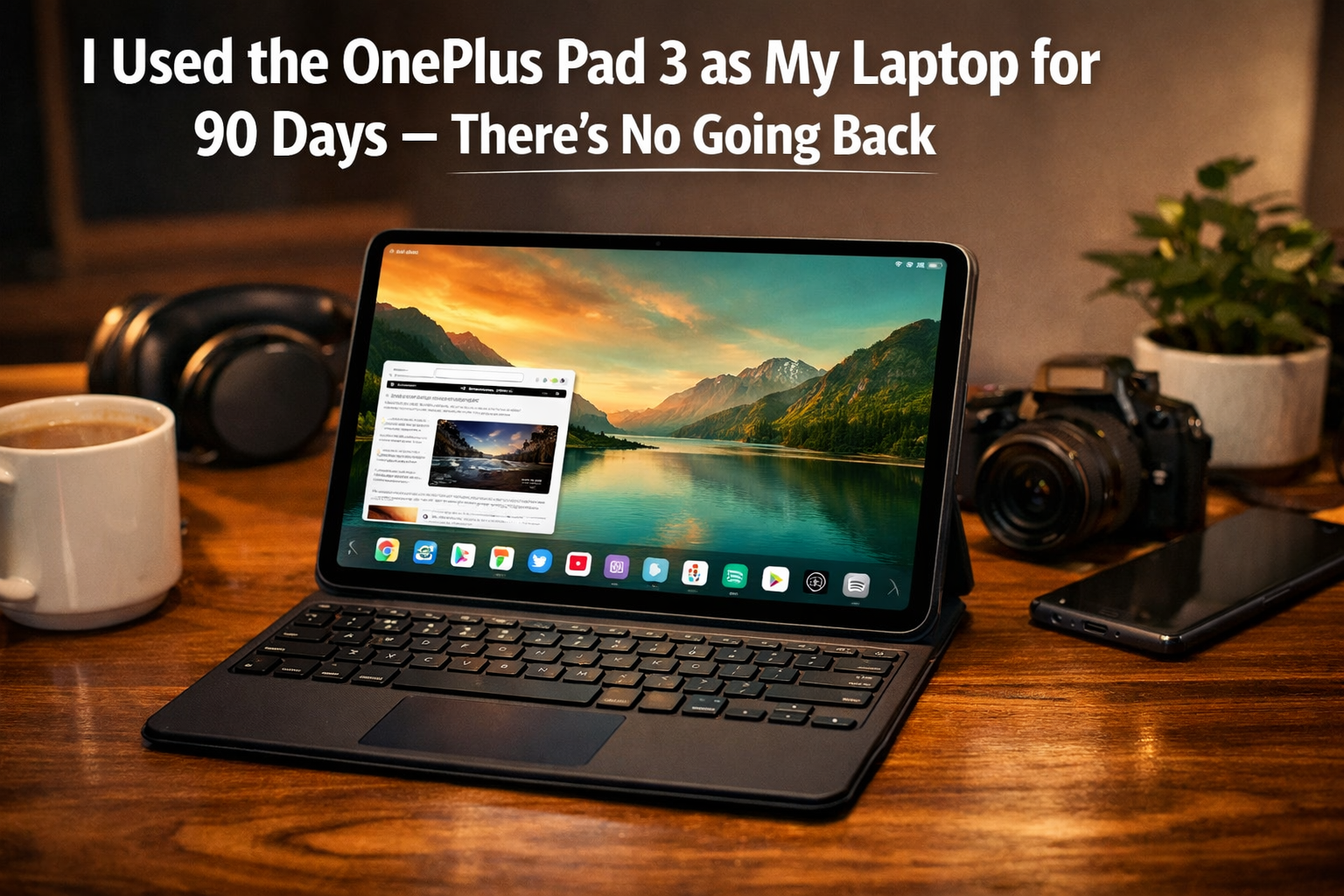
Pairing the tablet with a keyboard transformed it into a mini laptop. Typing felt natural, and I was able to write long articles comfortably.
Touch + Keyboard Combo
The combination of touchscreen and keyboard actually improves workflow:
- Use touch for quick navigation
- Use keyboard for long typing sessions
This hybrid setup is something traditional laptops can’t match.
Battery Life
All-Day Power
Battery life is one of the biggest advantages. On average, I got:
- Full-day usage on a single charge
- No constant need to carry a charger
Perfect for Remote Work
Whether you’re working from home or outside, battery anxiety becomes a thing of the past.
Software and User Experience
Clean and Smooth Interface
The software experience is clean, user-friendly, and optimized for productivity.
- Easy app navigation
- Smooth animations
- Minimal bugs
App Compatibility
Most productivity apps work perfectly:
- Google Docs
- WordPress
- Chrome
- Email apps
While some desktop-level tools are limited, web-based alternatives bridge the gap.
Can It Replace a Laptop?
Yes — But Depends on Your Use
After 90 days, here’s my honest answer:
✔ YES, if you:
- Write content
- Manage websites
- Do light editing
- Use cloud-based tools
❌ NO, if you:
- Do heavy video editing
- Use advanced software like Photoshop or coding environments
- Need full desktop power
Pros and Cons
Pros
- Lightweight and portable
- Excellent battery life
- Smooth performance
- Great display
- Hybrid work experience
Cons
- Limited for heavy professional tasks
- Some apps are not fully optimized
- Accessories may cost extra
Final Verdict
A True Laptop Alternative for Many Users
Using the OnePlus Pad 3 as my main device for 90 days completely changed how I view productivity. It proved that you don’t always need a bulky laptop to get serious work done.
For bloggers, students, and everyday professionals, this tablet is more than capable — it’s actually a smarter and more flexible choice.
Conclusion
The OnePlus Pad 3 is not just a tablet — it’s a powerful productivity tool that can replace a laptop for most users.
After 90 days of real usage, I can confidently say:
Once you switch to this setup, there’s truly no going back.